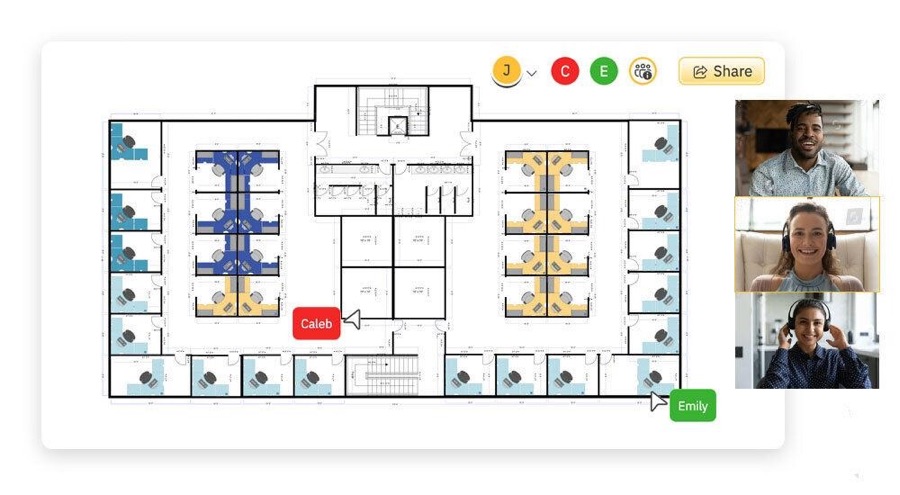
Offices and distributed teams
Use your actual office floor plan as the Thought Plot. Teams can gather around project areas, discuss design decisions and explore ideas in their spatial context.
Visual Knowledge Landscape
Instead of scrolling through endless lists of posts, explore a visual landscape of ideas on a Thought Plot. Wander between topics, meet people exploring alongside you, join conversations and follow unexpected trails of thought. Save the paths that interest you, and discover connections you might never have found otherwise.
From a single team to a whole community, a Thought Plot gives any group a place to think together.
Use your actual office floor plan as the Thought Plot. Teams can gather around project areas, discuss design decisions and explore ideas in their spatial context.

Architects, engineers and other professionals can build a shared body of knowledge, discover related topics and develop ideas beyond conventional discussion threads.

Students, faculty and researchers can explore concepts, follow trails of inquiry and preserve the intellectual journey behind their conclusions.
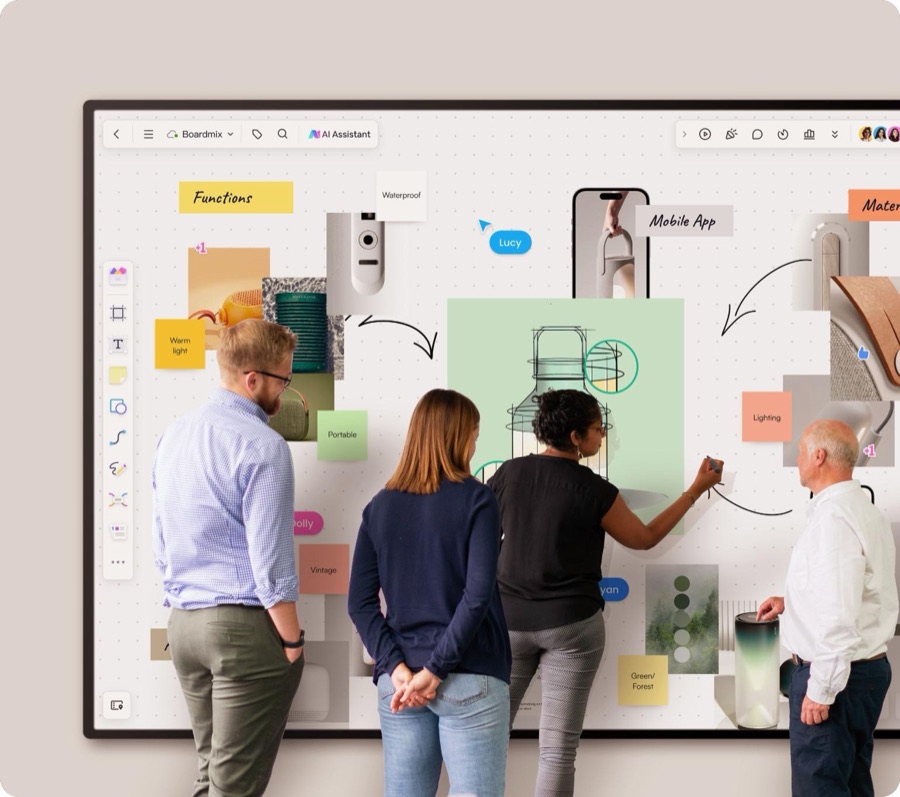
Customers can gather around product ideas, suggest improvements, discuss problems and explore alternatives visually.
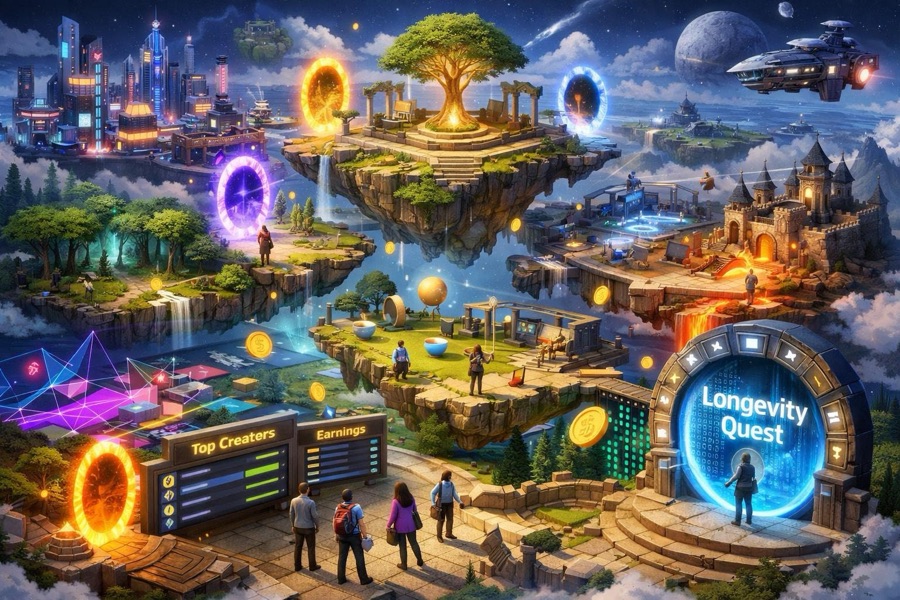
Book clubs, hobbyists, local communities and special-interest groups can build their own visual environments for discussion and discovery.
Starting a Thought Plot takes a minute. Here is what it gives you.
Wander between topics in a visual landscape instead of scrolling through endless lists of posts, and see how ideas connect at a glance.
Follow unexpected trails of thought and save the paths that interest you, so you find connections you might never have found otherwise.
Meet people exploring alongside you and join the conversations that matter to you, right where the ideas are.
The busier a Thought Plot gets, the bigger its tile grows.
The short answers.
tracethoughts is a shared space for thinking together. You create a Thought Plot, a large canvas with its own web address, and place pins on it that hold links or short pieces of text. The people you invite appear as avatars, walk between pins, read and write notes, follow each other's trails and talk to whoever is standing close by.
No. Public Thought Plots can be opened without an account. You need an account to create your own Thought Plot or to join one. You can sign up with an email and password, or with Google or Facebook where those buttons are shown.
Yes. The owner chooses whether a Thought Plot is public, so anyone can look at it, or private, so people must ask to join and the owner approves them. Only approved members see the pins of a private Thought Plot.
Pins that hold a link or text, with an optional description and tags, and notes on each pin. A Thought Plot can hold 500 pins. You can use a ready-made map or upload your own SVG image, such as a floor plan, a diagram or an illustration.
A trail is the pins a person visited, recorded automatically as pin-to-pin steps. A trace-through is a guided tour you record on purpose by clicking pins in order, with captions, to share with others.
Up to 5. Each one gets its own address, such as kerala-eats.tracethoughts.com, and the address cannot be changed later.